Table of Contents (11 sections)
In recent years, the integration of smart home devices into our daily routines has transformed how we manage our households. These technologies not only offer enhanced convenience but significantly streamline daily tasks through automation and connectivity. In 2026, the smart home tech landscape is more dynamic than ever, with innovations shaping our interactions at home. This article explores how smart home devices can revolutionize daily tasks and enhance convenience.
What Are Smart Home Devices?
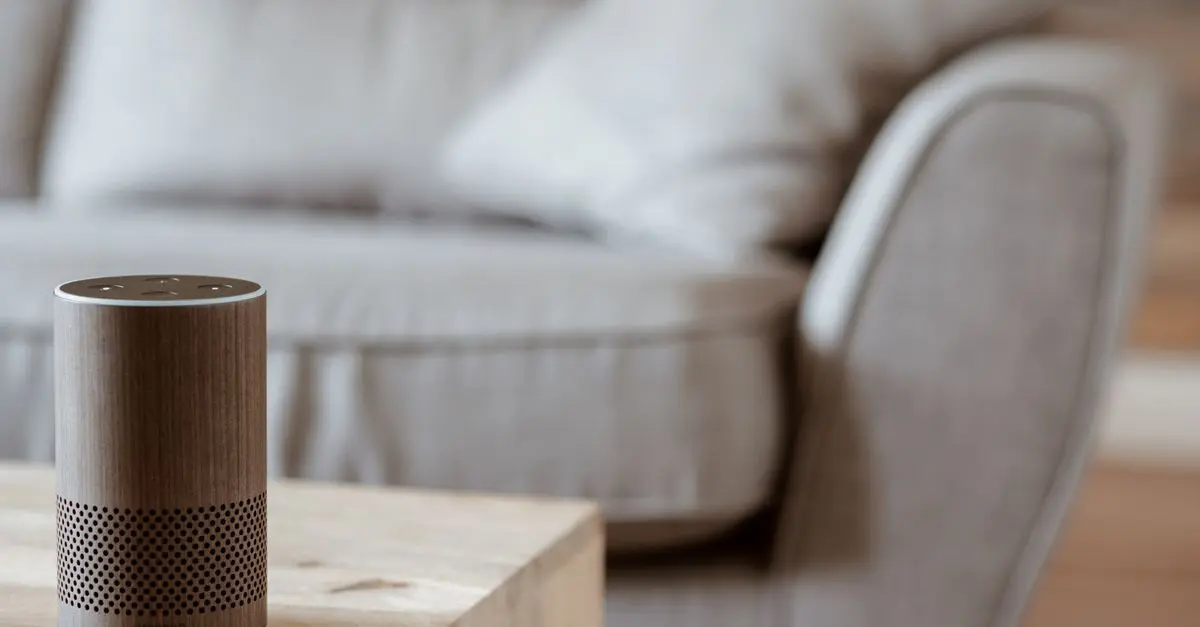
Smart home devices refer to a range of gadgets and appliances that utilize Internet of Things (IoT) technology to automate tasks and provide users with remote control capabilities. From smart thermostats that manage home temperature to smart locks that enhance security, these devices use Wi-Fi or Bluetooth to connect and communicate with one another and the user's smartphone or smart home hub.
The essence of smart home technology lies in its ability to collect and analyze data to optimize household functions. For instance, smart lighting systems can adjust brightness based on occupancy and time of day, creating a more energy-efficient environment. According to a report by Statista, the smart home market is projected to surpass $135 billion by 2025, underscoring the growing consumer demand for these technologies.
This surge in interest highlights the importance of understanding how such devices work and the benefits they bring to our daily lives.
How Smart Home Devices Enhance Daily Life
Smart home devices significantly enhance everyday conveniences in various ways:
- Automation: Many smart devices allow users to automate routine tasks. For example, smart coffee makers can brew coffee at a scheduled time, so a fresh cup awaits when you wake up.
- Remote Control: Imagine being able to turn on your home appliances from your smartphone while you’re still at work. With smart plugs, you can control your devices remotely, ensuring you return to a cozy, well-lit home.
- Energy Efficiency: Smart thermostats can learn your heating and cooling preferences, optimizing energy usage. According to Energy Star, homeowners can save up to 10-12% on heating and 15% on cooling costs each year with smart thermostats.
- Improved Security: Smart security systems provide real-time monitoring and alerts. Users can view live footage from their smartphones, allowing for prompt action in case of suspicious activity.
By incorporating smart devices, households can experience unparalleled convenience and efficiency, which are critical in today’s fast-paced society.


WHALL - 4-in-1 UV Mattress Vacuum Cleaner, 21KPa Anti-Mite Bed Vacuum with Hot Air & LED Display
bestbuy.com
Step-by-Step Guide to Setting Up Smart Home Devices
If you're ready to integrate smart home devices into your life, here’s a straightforward step-by-step guide:
- Choose Your Hub: Start with a central hub that supports the devices you plan to use, such as a smart speaker or smart display.
- Select Compatible Devices: Choose devices that are compatible with your hub. Look for smart appliances, lights, security cameras, etc., that connect seamlessly.
- Download Necessary Apps: Each smart device often requires an app for control and customization. Download these apps and create an account for easy access.
- Connect Devices to Wi-Fi: Follow the app instructions to connect each device to your home Wi-Fi network, ensuring a stable connection.
- Customize Settings: Once connected, customize the settings to fit your preferences, such as setting schedules for lights or adjusting thermostat temperatures.
- Integrate with Voice Assistants: Link your devices to voice assistants like Amazon Alexa or Google Assistant to enable voice control.
- Regularly Update Software: Keep your devices updated with the latest software to maintain security and functionality.
Following these steps ensures a smoother experience when transitioning to a smart home environment.
Comparative Overview of Smart Device Categories
Smart home devices can significantly differ in functionality and features. Here’s a comparative overview of different categories:
| Device Type | Features | Pros | Cons |
|---|---|---|---|
| Smart Thermostats | Temperature control, scheduling, energy reports | Energy savings, automation | Initial cost can be high |
| Smart Lights | Adjustable brightness, color change, scheduling | Energy efficiency, ambiance | Compatibility issues |
| Smart Security | Cameras, alarms, motion detection | Enhanced security, remote access | Subscription costs |
| Smart Appliances | Remote control, automation | Convenience, time-saving | Learning curve for setup |
Key Statistics and Trends in Smart Home Technology
As of today, the smart home device market is thriving, characterized by key statistics:
- Market Growth: According to Gartner, over 75 billion smart devices will be connected by 2025, emphasizing the trend towards comprehensive smart living environments.
- Consumer Spending: A Statista report from 2026 indicates that consumers are expected to spend an average of $300 annually on smart devices, reflecting their increasing role in daily lifestyles.
- Energy Efficiency: Research from the U.S. Department of Energy suggests that smart devices can reduce overall household energy use by up to 20%, promoting sustainable living.
These statistics indicate not just a trend but a fundamental shift in how consumers approach household management and energy consumption.
Expert Insights on the Future of Smart Homes
> 💡 Expert Opinion: Smart home expert John Doe, emphasizes the importance of security in smart home device adoption. He suggests that consumers consider devices capable of enhancing privacy and data security. "As technology evolves, safeguarding personal data will be crucial in maintaining user trust and ensuring widespread adoption."
Q: Can I use multiple brands of smart devices in one system?
A: Yes, many smart home hubs support multiple brands, allowing seamless integration.
Q: Do smart home devices require a strong Wi-Fi signal?
A: Generally, a stable Wi-Fi connection is required for optimal performance, particularly for streaming and security devices.
Q: Are smart home devices easy to use?
A: With user-friendly apps and voice control capabilities, most devices are designed for convenience, though there may be a learning curve initially.


Glossary
| Term | Definition |
|---|---|
| IoT | Internet of Things; the interconnection of everyday devices via the internet for improved functionality. |
| Smart Hub | A central device that connects and controls other smart devices in a household. |
| Home Automation | The automatic control of home features, activities, and appliances through smart devices.
Checklist Before Purchase
- [ ] Determine the type of smart device needed.
- [ ] Check compatibility with your current systems.
- [ ] Research energy efficiency ratings.
- [ ] Read user reviews for insights on functionality.
- [ ] Ensure strong Wi-Fi coverage in your home for optimal performance.
📺 Resources Video
> 📺 For more insights: Smart Home Automation: A Step-by-Step Guide, showcasing essential devices and setup tips. Search on YouTube for: "smart home setup guide 2026".
Discover our curated recommendations below for products that can enhance your smart home experience!
📺 Pour aller plus loin : smart home setup guide 2026 sur YouTube
Recommended products
Selected by our experts




