Table of Contents (9 sections)
In an increasingly automated world, smart home device compatibility plays a crucial role in creating a cohesive tech ecosystem.
Understanding how different devices interact can make or break your smart home experience. With the right approach, homeowners can optimize their setups for efficiency, convenience, and enjoyment. In this guide, we will walk you through the essential steps needed to ensure all your smart devices work seamlessly together.
1. Understanding Smart Home Device Compatibility
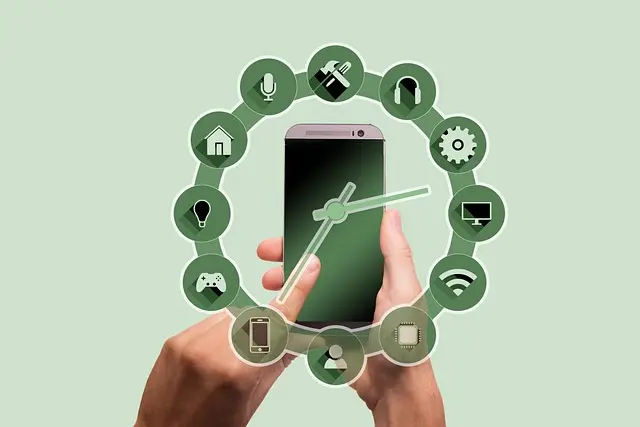
What is smart home device compatibility? It refers to the ability of various smart devices—like lights, locks, thermostats, cameras, and speakers—to communicate with each other effectively. Compatibility often depends on communication standards like Wi-Fi, Zigbee, Z-Wave, and Bluetooth.
Many smart devices utilize these standards to relay messages back to a central hub or directly to your smartphone. For instance, a smart thermostat might communicate with a smart sensor to adjust heating automatically.
The stakes are high; according to a study by The International Data Corporation (IDC), nearly 30% of smart device returns are due to incompatibility issues. Investing the time to research device compatibility can save homeowners from unnecessary frustration and costs.
And so, when considering smart home tech, always prioritize devices that either share a communication standard or can connect through a versatile hub. This groundwork will set the stage for a more integrated and user-friendly smart home experience.
2. Researching Communicational Protocols
To achieve optimal smart home device compatibility, start by researching the protocols your devices utilize. Understanding protocols will help you choose devices that can work together.
- Wi-Fi: Many popular devices operate on Wi-Fi, allowing for straightforward integration. However, too many devices on a single network can lead to signal interference and reduced performance.
- Zigbee: This protocol is favored for its low power consumption and mesh networking capability, often found in brands like Philips Hue.
- Z-Wave: Similar to Zigbee, Z-Wave creates a mesh network but operates on different frequencies, ensuring fewer interference issues.
- Bluetooth: Devices using Bluetooth are generally standalone but can connect with compatible devices for quick data transfers.
An understanding of each protocol's strengths and weaknesses allows one to make informed decisions when purchasing smart home devices. Avoid having devices run on multiple protocols that don’t communicate effectively with one another, as this can lead to disruption in functionality.


Inspire Essentials Smart WiFi RGB LED Strip Lights With APP Control And Voice Compatibility 2m Kit us
inspireuplift.com
3. Choosing a Central Hub
One essential step in ensuring smart home device compatibility is selecting a robust central hub. A central hub acts as the brain of your setup, allowing different devices to communicate and integrate seamlessly with one another.
Some popular hubs include:
- Samsung SmartThings: Supports a range of protocols including Z-Wave and Zigbee, providing flexibility in device selection.
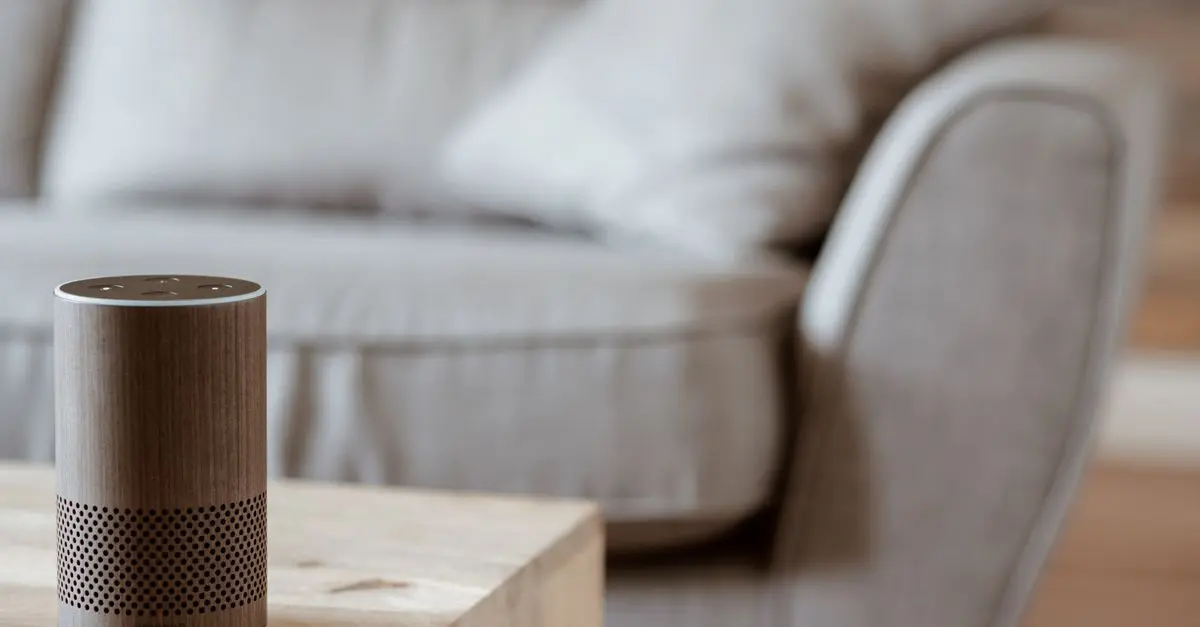
- Amazon Echo: While primarily a smart speaker, it acts as a hub for Alexa-compatible devices.
- Apple HomeKit: Ideal for iOS users, Apple’s system centralizes control for compatible devices.
💡 Pro Tip: Before purchasing a hub, confirm the compatibility list to ensure it supports all your currently owned devices.
After establishing your hub, make sure to regularly check for firmware updates. These updates can add new functionalities and compatibility with additional devices, enhancing your existing smart home setup.
4. Set Up Your Network Effectively
An efficient network setup is vital for maintaining smart home device compatibility. Traditional routers may not handle multiple smart devices well. Below are key strategies:
- Invest in a Mesh Network: Unlike traditional routers, mesh networks use several devices to strengthen signal coverage across your home. This is particularly crucial for larger homes where signal degradation can impede performance.
- Assign Static IP Addresses: For advanced users, assigning static IP addresses can prevent devices from frequently disconnecting due to DHCP issues.
- Segment Your Network: If privacy is a concern, consider setting up a separate network for smart devices. This helps keep them isolated from more sensitive personal devices like computers or phones.
By following these network setup best practices, you can avoid common pitfalls that impede your smart home experience.
5. Testing and Troubleshooting Your Setup
Regardless of your planning, compatibility issues may arise. Therefore, testing your setup is crucial:
- Start with a Baseline Test: Upon completing installation, ensure every device can communicate through the central hub. Perform tasks like switching lights on and off or adjusting the thermostat via an app or voice command.
- Isolate Issues: If certain functionalities don’t work as expected, begin by isolating devices. Disconnect all but one, then progressively reconnect devices to identify which one is malfunctioning or incompatible.
- Update Software Regularly: Keeping your device firmware up to date is essential. Many compatibility problems can be resolved through software updates that enhance functionality and fix bugs.
This step not only enhances efficiency but also offers peace of mind knowing your devices are up to date and functioning optimally.
📺 For further insights:
[Exploring Smart Home Integration], a comprehensive analysis of best practices for aligning devices. Search on YouTube: smart home device compatibility 2026.

Kensington Pro Fit Ergo Wired Keyboard - keyboard - US - black Input Device
lenovo.com

Kensington Pro Fit Ergo Wireless Keyboard - keyboard - US - gray Input Device
lenovo.com

Checklist before Purchase
- [ ] Research communication protocols of each device
- [ ] Choose an appropriate central hub
- [ ] Set up a robust network
- [ ] Regularly update firmware
- [ ] Test device communication post-installation
Glossary
| Term | Definition |
|---|---|
| Smart Hub | A central device controlling all smart devices in a home. |
| Zigbee | A low-power wireless protocol ideal for use in smart homes. |
| Mesh Network | A network that uses multiple devices to provide better signal coverage and reliability. |
> 🧠 Quick Quiz: What is the main function of a smart hub?
> - A) Control only one device
> - B) Centralize control for various devices
> - C) Disconnect devices
> Answer: B — A smart hub centralizes control for different devices, allowing them to communicate effectively.
📺 Pour aller plus loin : smart home device compatibility 2026 sur YouTube
Recommended products
Selected by our experts
HOMEBAY 6-Tier L-Shaped Corner Bookshelf, Freestanding Wooden Bookcase with Anti-Drop Panel & Anti-Tip Device
bedbathandbeyond.com
Lush Living Finds Forearm Strengthening Device, Wrist Gyro Ball Power Trainer For Finger And Arm Muscle Strength blue
inspireuplift.com
Lush Living Finds Forearm Strengthening Device, Wrist Gyro Ball Power Trainer For Finger And Arm Muscle Strength black
inspireuplift.com

TheTouchPoint Solution™ TouchPoints Essentials Stress-Relief Wearable Device
sleeplay.com


PLAUD Inc. Plaud Note AI Voice Recorder, AI Note Taking Device, Transcribe & Summarize, Support 112 Languages, 64GB Navy Blue Digital Audio Recorder
plaud.ai